
This is a PCAN-USB X6 user manual, which covers the installation and usage of the product.
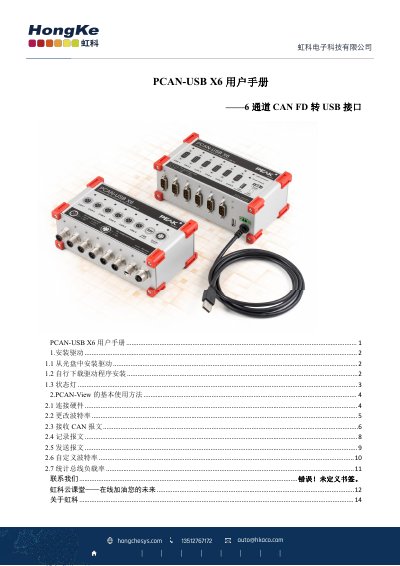
The document serves as a user manual for the PEAK PCAN-USB X6, a 6-channel CAN FD interface device. It details the software installation process, including driver setup and downloading official drivers from the PEAK System website.
The guide covers the basic usage of the accompanying PCAN-View software, including connecting hardware via USB or M12 connectors, configuring baud rates for CAN and CAN FD protocols, receiving and transmitting data, and saving trace logs in various formats. This manual is written in Chinese.
| Channels | 6 channels |
|---|---|
| Interface | USB |
| Clock Frequency | 24MHz or 20/40/80MHz |
Insert the CD or download the driver from the PEAK System website and run the installation program.
The LEDs indicate connection status, data transmission, errors, and power supply status.
Yes, the device supports 6 channels of CAN FD and allows configurable baud rates.