
EasyLogic™ PM2200 series user manual, introduces product safety information, measurement parameters, etc.
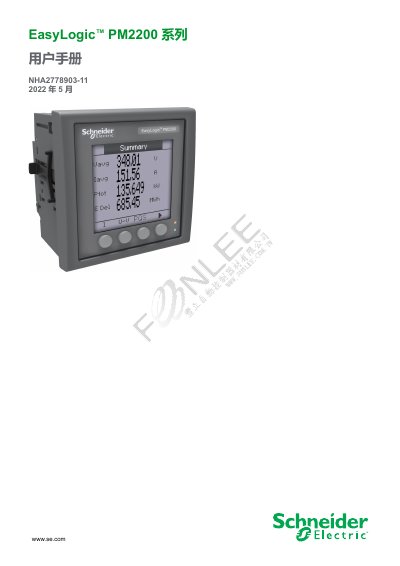
This document is the user manual for Schneider Electric's PM2200 series power meters. It provides safety guidelines, installation instructions, operational procedures, and maintenance tips. The manual covers features such as energy measurement, alarm settings, data logging, and configuration options. It also includes compliance information and technical specifications for the devices.
The PM2200 series includes models PM2210, PM2220, and PM2230, each with different accuracy classes and measurement capabilities. The manual is intended for qualified technicians to ensure safe and correct installation, operation, and maintenance of the equipment. This manual is written in Chinese.
| Accuracy Class | Class 1 or Class 0.5S |
|---|---|
| Sampling Rate | 64 samples per cycle |
| Current Measurement | Per-phase and 3-phase average |
| Voltage Measurement | Phase voltage and line voltage |
| Power Factor | Real and displacement power factor |
All meters in the PM2200 series comply with Class 1 or Class 0.5S accuracy standards.
The sampling rate is 64 samples per cycle.
The minimum current threshold is 5mA, which can be configured between 5mA and 99mA.
Alarm settings can be configured using the display or IONSetup software, including alarm types, priority, and indicators.