
Texas Instruments TAS5822M Evaluation Module User's Guide

This user's guide describes the operation of the TAS5822M Evaluation Modules (EVM)
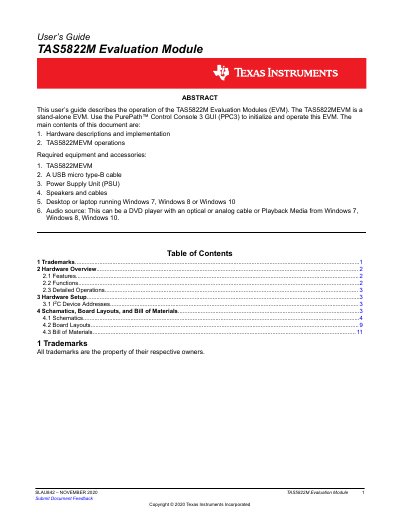

Texas Instruments TAS5822M Evaluation Module User's Guide - cover page
Brand
Texas Instruments
Category
audio amplifier
Document type
User Manual
Language
English
Pages
17
File format
PDF
File size
1.7 MB
Published
27 October, 2023
Updated
27 October, 2023
MD5 checksum
F66288199F0BD2553AC4ABC3155599AC

About this manual

This document provides instructions for operating the TAS5822M Evaluation Module, a digital input Class-D audio amplifier. It details hardware setup, including connecting speakers, power supply, and USB cable. The module supports multiple audio input options: USB, analog, optical, and external I2S. Operation is controlled via the PurePath Control Console 3 software. The guide also covers hardware descriptions, schematics, and board layouts.

What's inside

  • Trademarks
  • Hardware Overview
  • Hardware Setup
  • Schematics, Board Layouts, and Bill of Materials

Frequently asked questions

What software is required to initialize and operate the TAS5822M Evaluation Module?

You must use the PurePath Control Console 3 GUI (PPC3) to initialize and operate the EVM.

Which operating systems are supported for the desktop or laptop running the evaluation module?

The supported operating systems are Windows 7, Windows 8, or Windows 10.

What audio sources can be used with the TAS5822M Evaluation Module?

Audio sources include a DVD player with an optical or analog cable, or playback media from Windows 7, 8, or 10.

Download PDF (1.7 MB)

More Texas Instruments Manuals


View all Texas Instruments manuals →