
Instruction manual of the infrared wireless microphone. It introduces the usage methods, precautions, disclaimers, etc.
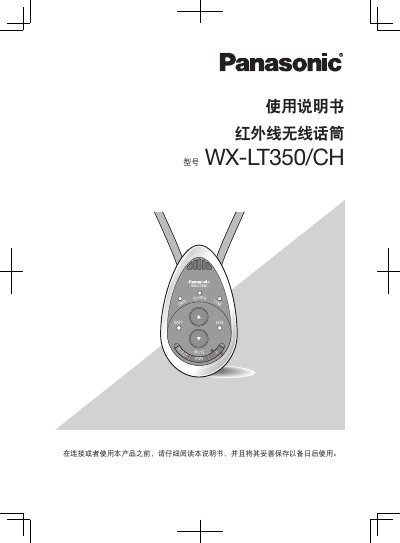
The Panasonic WX-LT350/CH is a water-drop shaped PLL infrared wireless microphone with four selectable frequency points. It can run on a nickel-metal hydride rechargeable battery or an alkaline dry cell, or from the optional WX-LZ150/CH charger, and it has an external audio input [AUDIO IN] and an external microphone input [MIC IN].
The Chinese instruction manual covers the names and functions of the parts, channel setting, battery installation, how to wear and use the microphone, volume adjustment and mute, connecting external devices, battery replacement and charging, and troubleshooting. Panasonic lists the compatible devices as the WX-LR100CH/A and WX-LR100CH/B infrared receivers, the WX-LA20/CH and WX-LA50A/CH amplifiers with infrared reception, and the WX-LP100/CH infrared wireless powered speaker. This manual is written in Chinese.
| Selectable frequency points | 4 |
|---|---|
| Volume adjustment range | +6 dB to -16 dB in 2 dB steps |
| Operating temperature | +5 °C to +35 °C |
| Minimum distance between microphones | 50 cm or more |
| Minimum distance to infrared sensor | 2 m or more |
| Supported power sources | Nickel-metal hydride rechargeable battery, alkaline dry battery, or optional charger |
Press and hold the PWR/MUTE switch for at least 1 second to turn the power on; turning it off requires holding the switch for at least 2 seconds.
Four frequency points can be selected using the PLL system, and the transmission channel is changed with the channel selector switch.
A nickel-metal hydride rechargeable battery or an alkaline dry cell; connecting the optional WX-LZ150/CH charger lets you charge the Panasonic NiMH battery.
Press the PWR/MUTE switch once to set the own microphone to mute, and press it again to release the mute.