
This document is the user manual for Model 8920W Wi-Fi Indoor Air Quality Thermostat.
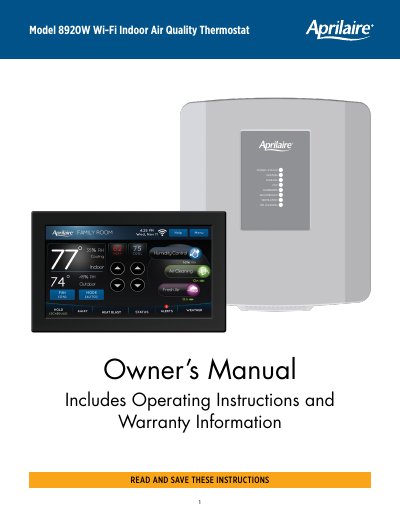
This Owner's Manual for the Aprilaire 8920W Wi-Fi Indoor Air Quality Thermostat includes operating instructions and warranty information. It explains the home screen, main menu, Wi-Fi setup and remote access, thermostat operation, schedules and holds, status and alerts, weather, indoor air quality functions, user preferences, and Wi-Fi maintenance.
The thermostat provides temperature control, remote access over Wi-Fi, and indoor air quality control including humidification, dehumidification, event-based air cleaning, and ventilation. It also supports a 7-day programmable schedule, temporary and permanent holds, and a large touch screen with adjustable backlight.
| Heat Blast temperature rise | 3°F to 5°F |
|---|---|
| Programmability | 7 day |
| Outdoor temperature sensor support | Optional wireless |
Download the Aprilaire Wi-Fi Thermostat App, create an account, connect the thermostat to your home network, and add it to your user account.
The thermostat is warranted for five years from the date of installation.
Open Menu, go to Wi-Fi Settings, open Advanced, and touch Off to disable the radio.