
Owner's manual for the 8600 model thermostat, including features, functions, usage methods, maintenance and maintenance
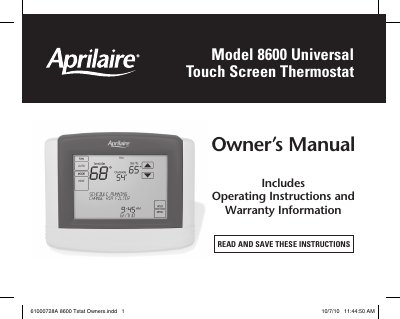
The Aprilaire Model 8600 is a universal touch screen thermostat designed for heating and cooling systems. Key features include 7-day programmability with separate weekday/weekend schedules, adjustable backlighting, and built-in compressor protection. The device supports various system modes such as Heat Pump (EM HEAT), Heat, Cool, and Auto.
| Programmability | 7 day programmability or separately programmable weekday/weekend schedules |
|---|---|
| Warranty Period | Five (5) years from date of installation |
The thermostat supports EM HEAT, HEAT, OFF, COOL, and AUTO modes.
Press [MENU] then [CLEAN SCREEN] to disable it for 30 seconds, or use a soft damp cloth with water or household glass cleaner.
The CIRC mode ensures the fan is on for at least 20 minutes per hour, balancing energy savings with air circulation.