
Star Micronics HSP7000 Hybrid Printer Linux Driver Installation Manual

This is a Linux operating system driver installation instructions, suitable for HSP7000 printers, you can learn how to install the driver and use the printer through this manual
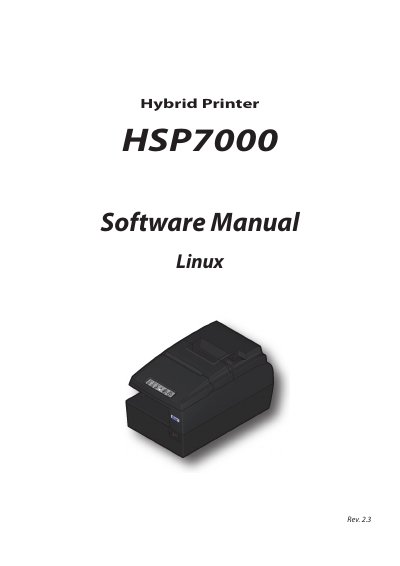

Star Micronics HSP7000 Hybrid Printer Linux Driver Installation Manual - cover page
Brand
Star Micronics
Category
Other Electronics
Document type
User Manual
Language
English
Pages
27
File format
PDF
File size
1.5 MB
Published
26 October, 2023
Updated
26 October, 2023
MD5 checksum
6AE968F4E0E603463CD89BE3B01B3AB1

About this manual

This document provides instructions for installing the Star Micronics HSP7000 printer driver on Linux operating systems, specifically using Fedora 9 as an example. It covers procedures for both USB and Ethernet interfaces, including the use of RPM packages for Fedora and source code compilation for Debian/Ubuntu.

What's inside

  • Installation/Uninstallation Procedures
  • Installing Printer Driver
  • Registering the Printer
  • Uninstallation Procedures
  • Setting the Printer FUNCTIONS
  • Guidelines for Using an Ethernet Environment
  • Guidelines for Using the lpr Command
  • Confirmed Operating Environments
  • Revision History

Frequently asked questions

What operating system does this manual cover?

This manual explains how to operate the CUPS printer driver using Fedora 9 as an example.

What is the URL for the CUPS management screen?

You must navigate to http://localhost:631/admin to access the CUPS management screen.

Which command installs the driver on Debian or Ubuntu?

You must run the command 'make install' after compiling the source code.

Download PDF (1.5 MB)

More Star Micronics Manuals


View all Star Micronics manuals →