
This manual provides basic information on how to use the eTrex® 20 and 30 handheld GPS navigators.
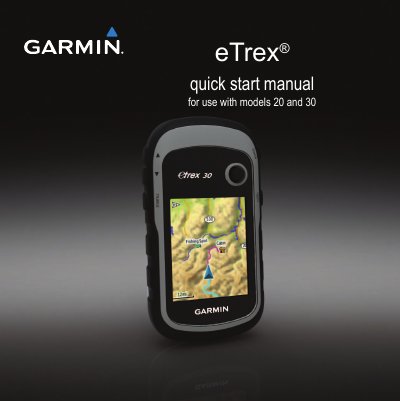
This manual provides instructions for the initial setup and basic operation of the Garmin eTrex 20 and 30 GPS devices. Key setup tasks include installing batteries, registering the device, acquiring satellite signals, and calibrating the electronic compass. The guide explains how to use the device's controls, such as the Thumb Stick and Zoom keys, to navigate menus and adjust settings like backlight brightness and profiles.
| Operating Temperature | -20°C to 70°C |
|---|---|
| Battery Type | Two AA batteries |
| Compass Type | 3-axis, electronic compass |
You should use NiMH or lithium batteries for best results, as alkaline batteries lose capacity in cold temperatures.
You should calibrate the compass after moving long distances, experiencing temperature changes, or changing the batteries.
Go to http://my.garmin.com and keep your original sales receipt in a safe place.