
Garmin Approach S12 Golf Watch Owner's Manual

APPROACH ® S12 is a golf watch from Garmin that can measure distance and connect to a smartphone to view weather, scores, and other information.
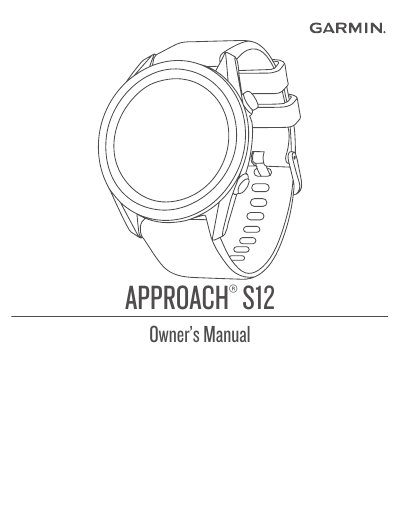

Garmin Approach S12 Golf Watch Owner's Manual - cover page
Brand
Garmin
Category
Other Electronics
Document type
User Manual
Language
English
Pages
10
File format
PDF
File size
1.4 MB
Published
26 October, 2023
Updated
26 October, 2023
Model
S12
MD5 checksum
8D85E5BADC87DC7862BFB2A21B17BDFF

About this manual

This document is the Owner's Manual for the Garmin Approach S12 golf watch. It covers initial setup tasks such as pairing the device with a smartphone via the Garmin Golf app and charging the unit. The guide details how to navigate the device's menus to access Hole View, measure shots, view course features like hazards and doglegs, and keep score during a round.

What's inside

  • Device Overview
  • Getting Started
  • Pairing Your Smartphone
  • Playing Golf
  • Hole View
  • Golf Menu
  • Golf Settings
  • Keeping Score
  • Device Care
  • Troubleshooting

Specifications

Battery TypeLithium-ion

Frequently asked questions

How do I pair my smartphone with the device?

Install the Garmin Golf app, press OK on the device to select Settings > Pair Phone, and follow the app instructions.

How long does it take to acquire satellite signals?

It may take 30 to 60 seconds for the device to acquire satellite signals before you can play.

Download PDF (1.4 MB)

More Garmin Manuals


View all Garmin manuals →