
Garmin Dash Cam 46/56/66W Owner's Manual

This document provides instructions on how to use Garmin Dash Cam 46/56/66W, including installation, connection, and operation.
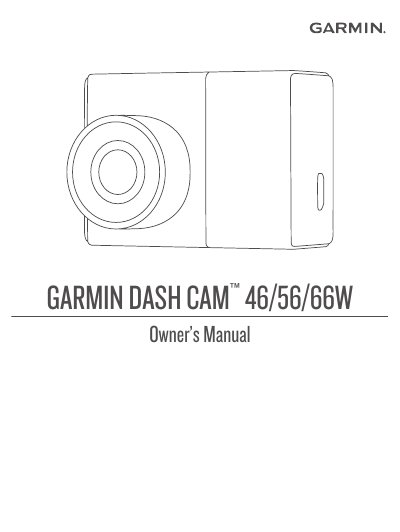

Garmin Dash Cam 46/56/66W Owner's Manual - cover page
Brand
Garmin
Category
Car
Document type
User Manual
Language
English
Pages
13
File format
PDF
File size
1.7 MB
Published
26 October, 2023
Updated
26 October, 2023
MD5 checksum
26519237828D7ECF7202748367B7AC3D

About this manual

This document is the Owner's Manual for the Garmin Dash Cam 46/56/66W series. It covers the device overview, installation procedures for the memory card and windshield mount, and connection to vehicle power. The guide details how to turn the device on and off, navigate the main menu, and manage recorded videos and photos.

What's inside

  • Getting Started
  • Device Overview
  • Installing a Memory Card
  • Installing the Device on Your Windshield
  • Connecting the Device to Vehicle Power
  • Dash Cam Recording
  • Event Detection
  • Voice Control
  • Pairing with Your Smartphone
  • Settings

Frequently asked questions

What is the Garmin Dash Cam 46/56/66W used for?

It records video to the camera memory card and can detect incidents to save footage.

What must you do to record video?

You must install a compatible memory card.

How do you turn the device on manually?

Press the power button.

What happens when the memory card is full?

The device automatically deletes the oldest unsaved video to create space for new video.

Download PDF (1.7 MB)

More Garmin Manuals


View all Garmin manuals →