
This is a guide to authenticate ArcGIS Pro software
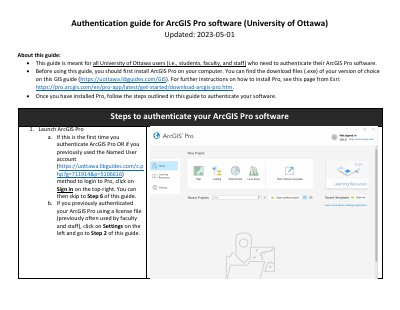
This document serves as an authentication guide for ArcGIS Pro software specifically for users of the University of Ottawa, including students, faculty, and staff. It outlines the necessary steps to configure licensing options and log in using institutional credentials after the software has been installed on a computer. The guide directs users to external resources for initial installation instructions.
You must first install ArcGIS Pro on your computer.
You must sign in using your single sign on credentials and your full uOttawa email address.
You should contact the library's data services team at [email protected].