
Esri ArcGIS Desktop 10.8.1 Installation Manual

Step-by-step instructions for installing ArcGIS Desktop 10.8.1 on Windows and Mac, including license setup and network requirements.
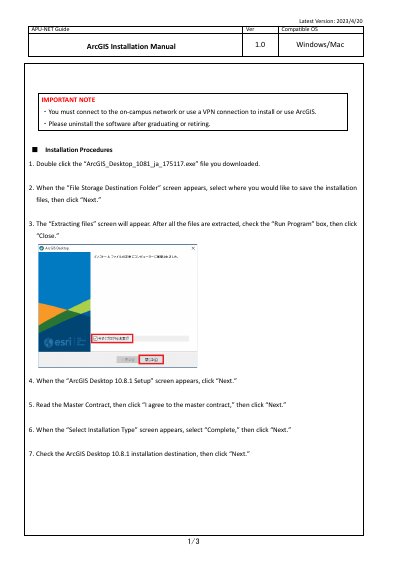

Esri ArcGIS Desktop 10.8.1 Installation Manual - cover page
Brand
ESRI
Category
Other software
Document type
Installation Guide
Language
Japanese
Pages
3
File format
PDF
File size
361 KB
Published
29 October, 2026
Updated
29 October, 2026
MD5 checksum
1CBDF34223A4FE89DA0790E836B524E0

About this manual

This manual provides step-by-step instructions for installing ArcGIS Desktop 10.8.1 on Windows and Mac operating systems. It covers the installation process, including selecting the destination folder, agreeing to the master contract, and choosing the installation type. This manual is written in Japanese.

What's inside

  • Installation Procedures
  • Setting the Software License
  • Compatible OS
  • Python Installation
  • Network Connectivity

Frequently asked questions

What operating systems are compatible with this ArcGIS Desktop installation?

The manual states that the software is compatible with Windows and Mac operating systems.

What network connection is required to install or use ArcGIS?

You must connect to the on-campus network or use a VPN connection to install or use ArcGIS.

What programming language is used by ArcGIS for Desktop?

Python is the programming language used by ArcGIS for Desktop.

Download PDF (361 KB)

More ESRI Manuals


View all ESRI manuals →