
This document provides a user guide for the AIS TrackBuilder Tool v1.0, which is designed to take AIS point data from an Esri FileGeodatabase and convert it to a polyline track line feature class. The user specifies the input AIS point feature class and the output track line feature class name and location, and selects options on how the track lines are segmented. The tool is designed to work with AIS point data created with the CSV to filegeodatabase Tool, but is flexible and can work with any point dataset format as long as it includes a ID field to distinguish unique track lines and a datetime field.
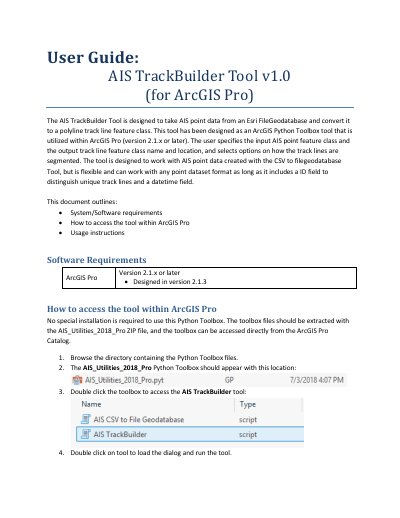
The AIS TrackBuilder Tool is a Python Toolbox tool designed for ArcGIS Pro (version 2.1.x or later). It converts AIS point data from an Esri FileGeodatabase into a polyline track line feature class. The tool allows users to specify input and output locations and select options for segmenting track lines based on time and distance or time intervals.
This document provides instructions on accessing the tool within ArcGIS Pro and details the usage parameters, including selecting input points, defining ID and date/time fields, setting output names, and configuring track line breaking methods.
| Compatible Software Version | ArcGIS Pro version 2.1.x or later |
|---|---|
| Default Maximum Time | 30 minutes |
| Default Maximum Distance | 1 mile |
| Default Time Interval | 24 hours |
The tool is designed to be utilized within ArcGIS Pro version 2.1.x or later.
No, the toolbox files should be extracted and accessed directly from the ArcGIS Pro Catalog.