
FXE3000-US is a wireless LAN board that conforms to IEEE 802.11n/a/b/g standards of various countries and features a wide input power supply (5 to 30 VDC) and can be configured either as an access point or station.
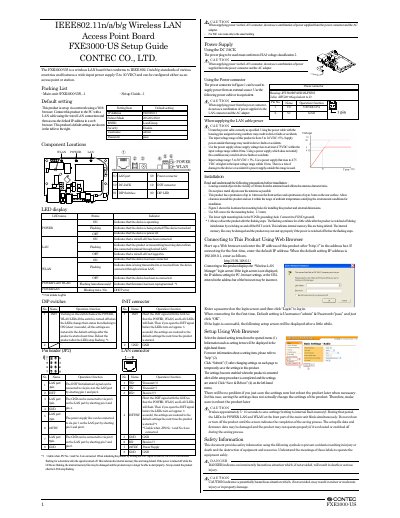
The CONTEC FXE3000-US is a wireless LAN board conforming to IEEE 802.11n/a/b/g standards. It features a wide input power supply range of 5 to 30 VDC and can be configured as either an access point or a station. The device includes a LAN port, power connector, and various LEDs to indicate operational status.
| Standards | IEEE 802.11n/a/b/g |
|---|---|
| Input Power Supply | 5 to 30 VDC |
| Default IP Address | 192.168.0.1 |
| Default Subnet Mask | 255.255.255.0 |
| Default Username | admin |
| Default Password | pass |
The default IP address is 192.168.0.1.
The default username is 'admin' and the password is 'pass'.
Yes, it can be configured either as an access point or station.