
This is a network user manual for a projector, which introduces Web control, network presentation, my image, message sending, network bridge and other functions
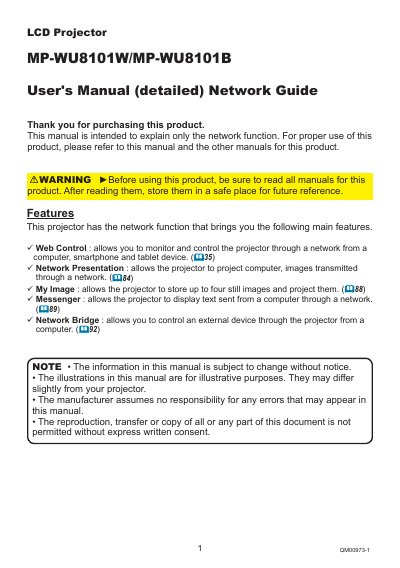
This manual explains how to use the network functions of the Panasonic MP-WU8101W/MP-WU8101B projector. It covers features like web control for remote monitoring and control, network presentation for projecting computer screens, my image for storing and displaying still images, messenger for displaying text, and network bridge for controlling external devices. The manual also includes sections on connecting to networks via wireless or wired LAN, troubleshooting, and managing settings such as email alerts, scheduling, and security.
You can control the projector remotely using Web Control, which allows monitoring and control through a network from a computer, smartphone, or tablet.
Network Presentation allows the projector to project computer or image data transmitted through a network, requiring the 'LiveViewer' application.
Yes, the My Image function allows the projector to store up to four still images and project them.