
introduces Nuvoton Nu-Link Debug Adapter and its features
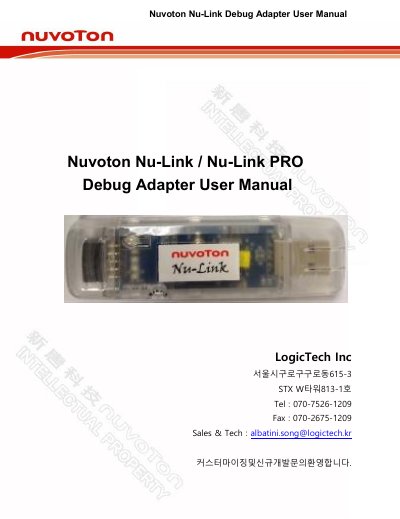
This manual details the Nuvoton Nu-Link Debug Adapter, an USB-based debugger and programmer for NuMicro™ Family chips. It covers hardware specifications for variants like Nu-Link-Pro, Nu-Link, and Nu-Link-Me, including SWD interfaces and voltage support. The guide explains debugging features such as breakpoints and direct register control, along with programming methods including online and offline modes. It also provides setup instructions for tools like Keil RVMDK, IAR EWARM, and CooCox CoIDE.
The document includes tables comparing adapter functions and voltage settings, LED status indicators, and troubleshooting for offline programming. It is intended for developers using Nuvoton’s ecosystem and third-party tools to debug and program target chips via SWD interface.
| SWD Interface | Serial Wire Debug |
|---|---|
| Target Chips | Nuvoton NuMicro™ Family |
| Voltage Support | 1.8V, 2.5V, 3.3V, 5.0V |
It is designed for Nuvoton NuMicro™ Family chips.
The SWD port supports 1.8V, 2.5V, 3.3V, and 5.0V.