
Newport DL Controller Series LabVIEW Drivers Manual

This manual introduces the use of the DL controller series single-axis motion controller with the LabVIEW driver.
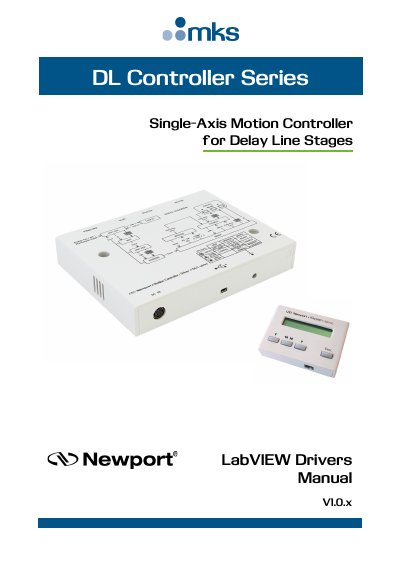

Newport DL Controller Series LabVIEW Drivers Manual - cover page
Brand
Newport
Category
Other Electronics
Document type
Programming Manual
Language
English
Pages
206
File format
PDF
File size
3.7 MB
Published
19 October, 2023
Updated
19 October, 2023
MD5 checksum
282FAA26236CEDEEFEB63901132B3576

About this manual

This document serves as a programming manual for the DLS LabVIEW library, designed for use with the DL Controller Series Single-Axis Motion Controller for Delay Line Stages. It details the requirements for running the software on a Windows PC, including the need for the .NET Framework and specific executable files.

What's inside

  • Introduction
  • Requirements
  • Use DLS LabVIEW Library
  • Standard Functions
  • AC_Get
  • AC_Set
  • AF_Get
  • AF_Set
  • CloseInstrument
  • OpenInstrument

Frequently asked questions

What computer operating system and software requirement are needed to use the DLS LabVIEW library?

You must use a Windows PC computer that has the .NET Framework installed.

Which specific executable files must be run depending on the Windows version?

You need to run either Newport.DLS.CommandInterface_x86.exe or Newport.DLS.CommandInterface_x64.exe.

What is the specific name of the file to select when linking the palette edit tool?

You must select the DLS-Unified.llb file on the dialog.

Download PDF (3.7 MB)

More Newport Manuals


View all Newport manuals →