
Provides configuration instructions for XPS-D controller, including default configuration, quick configuration and manual configuration, supports Newport and non-Newport positioners
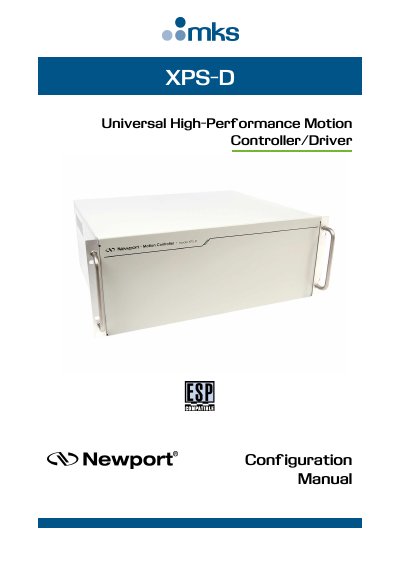
The document serves as a configuration guide for the XPS-D controller, covering setup procedures and parameter adjustments. It details three primary methods for configuring the device: Default Configuration, Quick Configuration, and Manual Configuration.
Default Configuration is designed for Newport ESP compatible positioners but limits functionality to single-axis groups. Quick Configuration utilizes an external stages.ini file for non-ESP compatible Newport stages. Manual Configuration is required for non-Newport stages, older versions of Newport stages, vacuum-compatible stages without ESP chips, or when customizing home positions and advanced driver interfaces.
| Communication Speed | 10/100/1000 Base-T Ethernet |
|---|---|
| Driver Output (XPS-DRV11) | 6.4 A and 44 Vpp |
| Driver Output (XPS-EDBL) | 25 A and 96 Vpp |
| EDBL Supply Voltage | 96 V |
Users must read the Start-Up Manual and User Interface Manual, install appropriate driver cards, connect all stages, and establish an Ethernet connection.
Manual configuration is required for non-Newport stages, older Newport stage versions, vacuum compatible stages without ESP chips, or when the home position needs to be changed from 0.
Default configuration only works with Newport ESP compatible positioners and configures them as single axis groups, which provides limited functionality such as no synchronized motion or trajectories.