
Operator’s manual for the Newport INFS INFINITY strain, DC current and voltage meter with setup, configuration and troubleshooting instructions.
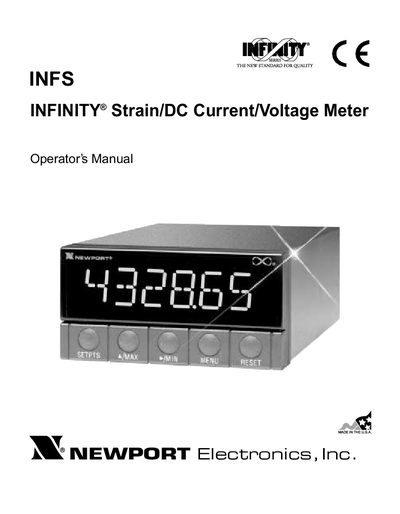
The Newport INFS INFINITY is a front‑panel configurable strain gauge meter that accepts 0‑20 mA, 4‑20 mA, unipolar and bipolar DC voltage, and potentiometer inputs. It provides a 6‑digit LED display, multiple output options (analog, BCD, relay, RS‑232/RS‑485) and extensive lockout and alarm features.
This manual covers safety considerations, unpacking, detailed wiring and jumper settings, scaling methods, lockout configurations, setpoint and alarm programming, optional output boards, external control lines, troubleshooting messages, full specifications, factory preset values and how to record your setup values.
| Current input range | 0‑20 mA and 4‑20 mA |
|---|---|
| Voltage input range (unipolar) | 100 mV, 1 V, 10 V, 100 V |
| Voltage input range (bipolar) | ±50 mV, ±0.5 V, ±5 V, ±50 V |
| Potentiometer input range | 1 V or 10 V |
| Resolution (current) | 1 µA |
| Resolution (voltage) | 1 µV – 100 µV |
| Accuracy | ±0.005 % of reading |
| Display | 6‑digit LED, red or green |
| Standard output | 4 isolated open‑collector outputs, 150 mA @ 1 V sink |
| Analog output range | 0‑5 V, 1‑5 V, 0‑10 V, 0‑20 mA, 4‑20 mA |
The meter accepts 0‑20 mA and 4‑20 mA current inputs.
Install the optional analog output board and select the desired output range (e.g., 0‑5 V, 0‑10 V, 0‑20 mA, 4‑20 mA) via the OUT.CNF menu.