
Newport CONEX-PSD LabVIEW Driver Manual

This manual describes how to use LabVIEW 2010 to communicate with the Conex-PSD Two-Axis Position and Power Sensing Device.
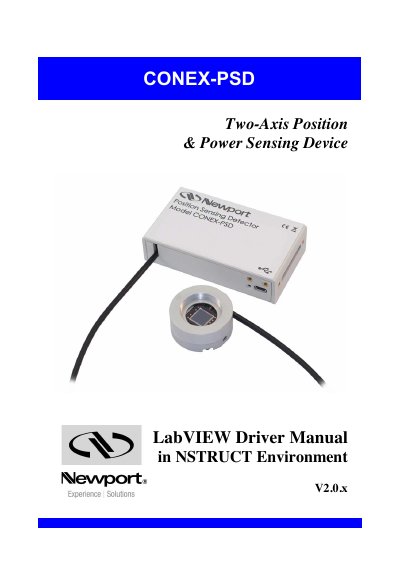

Newport CONEX-PSD LabVIEW Driver Manual - cover page
Brand
Newport
Category
Industrial Robot
Document type
User Manual
Language
English
Pages
18
File format
PDF
File size
1.1 MB
Published
19 October, 2023
Updated
19 October, 2023
MD5 checksum
4CB027BB3F1024B14BC982EBB518F13F

About this manual

The document details the purpose and overview of the CONEX-PSD LabVIEW driver, which utilizes the Newport.ConexPSD.CommandInterface.DLL assembly. It outlines the prerequisites, including the installation of LabVIEW 2010 and the Newport NSTRUCT application, and explains how to run the NSTRUCT server and authorize the instrument.

What's inside

  • Introduction
  • Install LabVIEW 2010
  • Download and Install Newport NSTRUCT
  • Run Newport NSTRUCT Server
  • Connect and Authorize your Newport Instruments
  • Finding the Newport Instrument LabVIEW Driver
  • Adding Newport Instrument Menu to LabVIEW
  • Menu Contents for Newport Instrument
  • LabVIEW Example with CONEX-PSD Instrument
  • Loading .NET Assemblies in LabVIEW

Frequently asked questions

What software version is required to install the LabVIEW driver?

The manual states that LabVIEW 2010 from National Instruments must be installed on your computer.

What condition must be met before developing with the LabVIEW driver?

The Newport NSTRUCT server must be running before you can develop with the LabVIEW driver.

What action is required to make an undetected instrument visible in the server?

You must perform a 'Rediscover instruments' action to detect the connected instrument.

Download PDF (1.1 MB)

More Newport Manuals


View all Newport manuals →