
provides a user manual for DFI LANPARTY UT P35-T2R
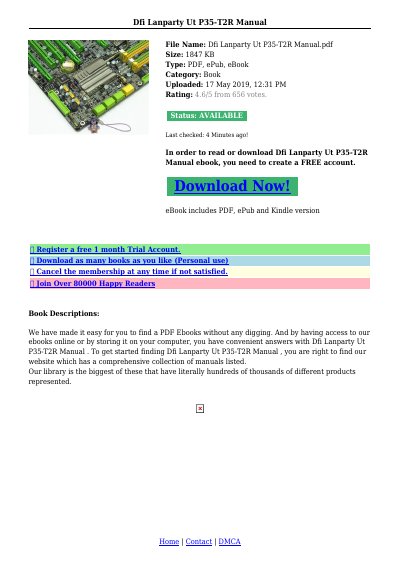
This manual provides guidance for configuring and using the DFI LANPARTY UT P35-T2R motherboard. It includes BIOS setup instructions, memory and PCIe settings, and troubleshooting tips for system boot and overclocking. The manual emphasizes BIOS customization options and includes details on clock settings, DRAM timing, and power recovery features.
The document also references DFI’s BIOS features such as 'finetune mode' for data transmission and addressing, and includes notes on system behavior during overclocking and power failures.
| CPU Clock Ratio | Adjustable |
|---|---|
| DRAM Speed | Adjustable |
| BIOS Version | 070913 |
| OC Fail Retry Looping | Settable |
The manual references DFI LANPARTY UT P35T2R BIOS 070913.
The CPU Clock ratio and range can be adjusted to set a lower boot-up clock.
It is a DFI-specific feature for optimizing data transmission and addressing performance.