
This manual introduces the functions and usage of the Dfi Lanparty P35-T2R motherboard.
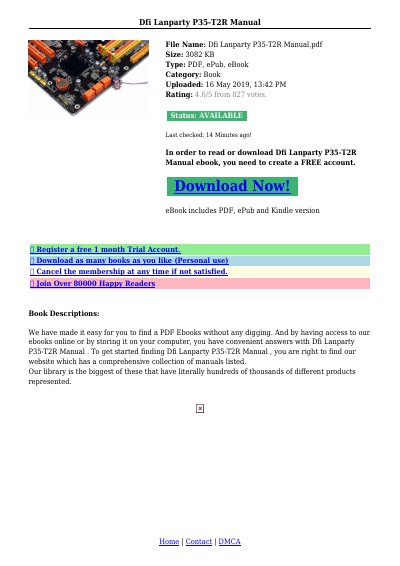
This manual provides step-by-step instructions for installing and configuring the DFI Lanparty P35-T2R motherboard. It covers hardware setup, BIOS configuration, memory installation, and safety precautions. The guide also includes details on supported components, power management, and troubleshooting.
The manual includes sections on system board layout, memory configuration options, CPU installation, and power management features such as WakeOnLAN and ACPI support.
| Chipset | Intel P35 |
|---|---|
| Memory Type | DDR2 SDRAM |
| Audio Codec | Realtek ALC885 |
| Network Interface | Marvell 88E8053 PCI Express Gigabit LAN |
| CPU Socket | LGA 775 |
The system board uses an LGA 775 socket for CPU installation.
It supports DDR2 SDRAM modules operating at 1.8V.
It supports ACPI and WakeOnLAN for power-saving and remote wake-up features.
It includes a Realtek ALC885 High Definition audio codec.