
This is a user manual for dfi lanparty ut nf4 ultra-d
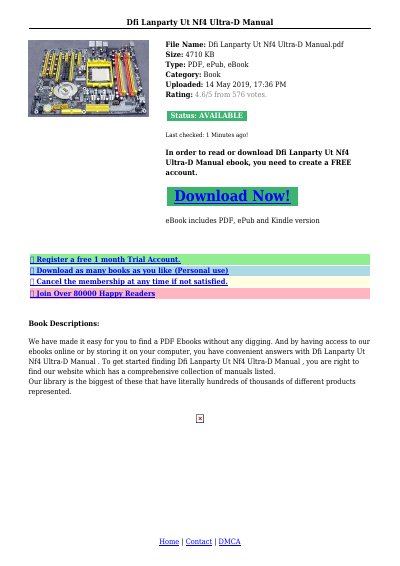
This document provides operating instructions and technical specifications for the DFI LANPARTY UT NF4 Ultra-D motherboard. It includes details on BIOS flashing procedures, memory and PCIe configurations, and troubleshooting tips for boot issues. The manual also references the board's overclocking capabilities and compatibility with NVIDIA nForce4 chipsets.
The document is aimed at users who want to modify or optimize the board's performance, including converting it to an SLI configuration. It contains practical advice from user forums and technical reviews, such as BIOS update methods and memory testing procedures.
| Chipset | nForce4 Ultra |
|---|---|
| Memory Support | PC2700 DDR333 and PC3200 DDR400 unbuffered DDR SDRAM DIMM |
| PCI Express Slots | Two PCIe x16 slots |
| LAN Controller | Gigabit LAN Host Controller |
Yes, the Ultra version can be modified to become a fullblown SLI board using the same BIOS as the SLI version.
It supports PC2700 DDR333 and PC3200 DDR400 unbuffered DDR SDRAM DIMM.
You can update the BIOS using WinFlash or a floppy disk, as mentioned by the manufacturer.