
This document is the user manual for Dfi Lanparty Nf4 Sli-Dr Manual, which introduces the related information of the product, including specifications, safety advice, size, accessories, etc.
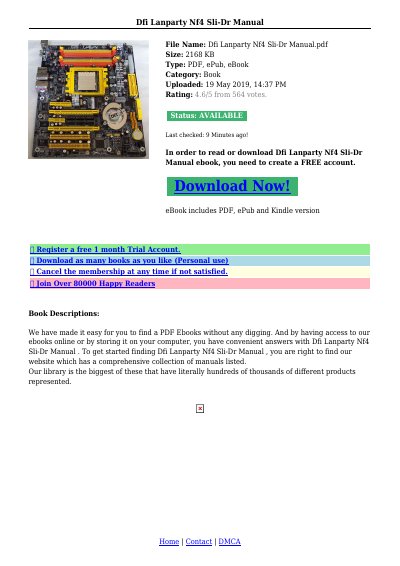
This user manual provides instructions for installing and configuring the DFI LANPARTY UT NF4 SLI DR motherboard. It includes guidance on driver installation, BIOS updates, and troubleshooting common issues such as fan behavior and device compatibility. The manual also highlights key features like SLI support, dual gigabit LAN, and onboard audio with a Karajan daughter card.
The document references the motherboard’s bundle contents, including accessories like the FrontX device, and notes changes to the packaging over time. It also includes user experiences and tips for resolving issues like boot problems with USB devices or BIOS flashing errors.
| SLI Bridge Bandwidth | x16 when graphics cards are connected via SLI bridge |
|---|---|
| Onboard Audio | 8-channel with Karajan daughter card |
| Network | Dual gigabit LAN |
| Storage | 8 SATA ports (4 from nForce4, 4 from Silicon Image’s Sil 3114) |
When graphics cards are connected via the SLI bridge, the bandwidth runs at x16.
It includes 8-channel audio with a Karajan daughter card.
It has 8 SATA ports: 4 from the nForce4 chip and 4 from the Silicon Image’s Sil 3114 chip.
Install the correct driver or BIOS update, and ensure the device is connected during installation.