
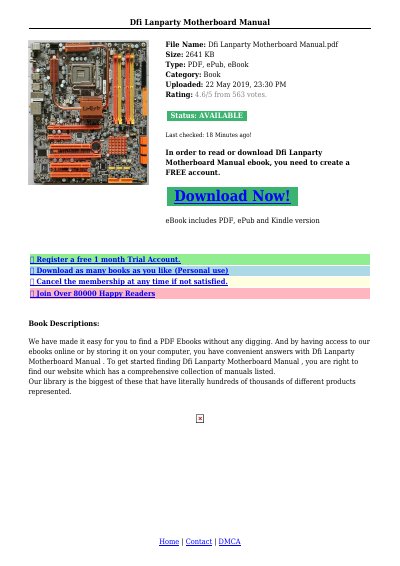
This manual provides instructions for using DFI Lanparty motherboards, including BIOS settings, driver installation, and troubleshooting. It covers hardware installation, system memory, expansion slots, onboard audio and LAN features, and compatibility with Intel chipsets. Sections include BIOS configuration, driver rules, and system error messages.
The manual also includes technical details such as supported chipsets (e.g., P35, P45, 790FX), memory types (DDR400), and interface standards (SATA 1.0, USB 2.0/1.1, IrDA). It warns users to cover the chassis after installation and to follow driver installation sequences to avoid performance issues.
| Chipset Support | P35, P45, 790FX, etc. |
|---|---|
| Memory Type | DDR400 |
| Expansion Slots | 1 AGP + 5 PCI |
| Storage Interface | SATA 1.0 |
| USB Support | USB 2.0 and 1.1 |
Use the new BIOS file and AFUDOS.EXE flash utility to update the BIOS.
Supported chipsets include P35, P45, 790FX, and others like NF3, NF4, p965, rs482.
Refer to the troubleshooting section in the manual for error messages and POST beep codes.
Follow the installation sequence to avoid performance issues and slow boot times.