
Key facts
- Brand
- DFI
- Model
- P35-T2R
- Category
- Motherboard
- Documents
- 2
- Languages
- EN
- Last added
- 2023-10-19
Start here
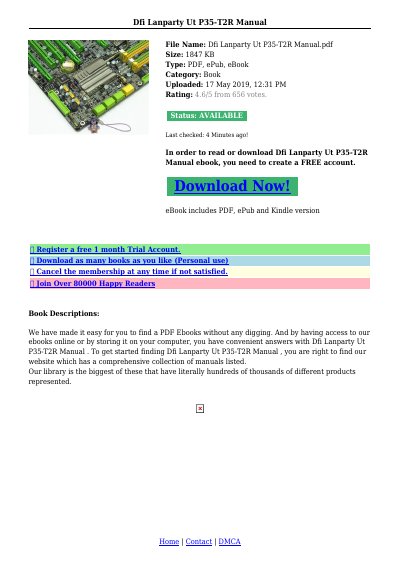
DFI LANPARTY UT P35-T2R User Manual
This manual provides guidance for configuring and using the DFI LANPARTY UT P35-T2R motherboard. It includes BIOS setup instructions, memory and PCIe settings, and troubleshooting tips for system boot and overclocking. The manual emphasizes BIOS customization options and includes details on clock settings, DRAM timing, and power recovery features.
The document also references DFI’s BIOS features such as 'finetune mode' for data transmission and addressing, and includes notes on system behavior during overclocking and power failures.
DFI P35-T2R specifications
| Chipset | Intel P35 |
|---|---|
| Memory Type | DDR2 SDRAM |
| Audio Codec | Realtek ALC885 |
| Network Interface | Marvell 88E8053 PCI Express Gigabit LAN |
| CPU Socket | LGA 775 |
Source: DFI Lanparty P35-T2R User Manual
All DFI P35-T2R documents by type
Day-to-day operation, settings and troubleshooting. Start here if the product is already set up.
Questions answered in these manuals
What is the CPU socket type for this motherboard?
The system board uses an LGA 775 socket for CPU installation.
What memory type does this motherboard support?
It supports DDR2 SDRAM modules operating at 1.8V.
What BIOS version is mentioned in the manual?
The manual references DFI LANPARTY UT P35T2R BIOS 070913.
How can I adjust the CPU clock ratio?
The CPU Clock ratio and range can be adjusted to set a lower boot-up clock.