
This is a Dfi Lanparty Nf2 Ultra B Manual User's Manual
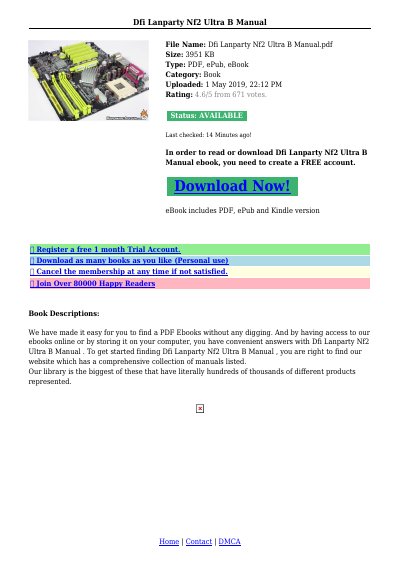
This user manual provides setup and safety instructions for the DFI Lanparty NF2 Ultra B motherboard. It covers system board layout, memory installation, CPU installation, BIOS setup, and power management features. Safety precautions against electrostatic discharge are emphasized. The manual also details supported hardware, including DDR2 memory, AMD Socket AM2 CPUs, and NVIDIA nForce4 chipset features like SLI and RAID support.
The document includes sections on system memory configuration, power management (including WakeOnLAN and WakeOnUSB), and troubleshooting. It also references included accessories and software, such as the RAID driver diskette and "Mainboard Utility" CD.
| Chipset | NVIDIA nForce4 |
|---|---|
| CPU Socket | Socket AM2 |
| Memory Type | DDR2 |
| Memory Speeds | DDR2 400, 533, 667, 800 |
| Expansion Slots | PCI Express x16, PCI Express x1, PCI |
| Audio Codec | Realtek ALC850 |
| Network Interface | Marvell 88E1115 Gigabit LAN |
The system board is equipped with Socket AM2 for installing an AMD CPU designed for this socket.
The system supports DDR2 memory with speeds of 400, 533, 667, and 800 MHz, depending on the CPU’s core multiplier.
The motherboard uses the NVIDIA nForce4 chipset, supporting features like SLI and RAID.
Handle the CPU by its edges, avoid touching the pins, and ensure it fits in only one orientation. Lift the lever and insert the CPU gently.