
KuTai KCU-03 Monitor Software Installation User Manual

This manual introduces the installation method of KCU-03 monitor software, including system settings, connecting to the network, module parameter settings, monitoring, parameter settings, and figure recording.
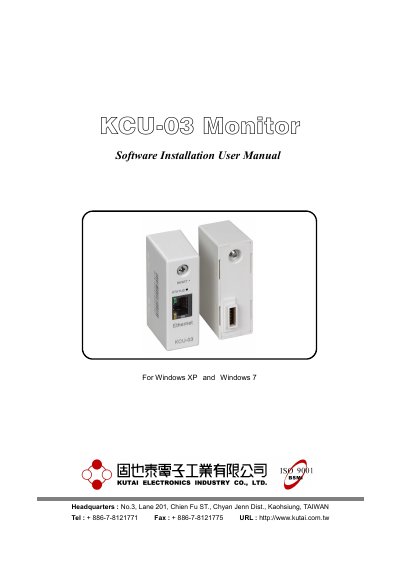

KuTai KCU-03 Monitor Software Installation User Manual - cover page
Brand
KUTAI
Category
Other Electronics
Document type
User Manual
Language
English
Pages
20
File format
PDF
File size
1.2 MB
Published
19 October, 2023
Updated
19 October, 2023
MD5 checksum
5A1456E2B16ABFDAC520A01F1C636933

About this manual

This manual provides instructions for installing the KuTai KCU-03 Monitor Software on Windows XP and Windows 7 systems. It details the installation process, including the Run-Time Engine Driver, and explains how to configure system settings such as event logs, data acquisition intervals, and language preferences. Users must restart the computer after modifying system settings for changes to take effect.

What's inside

  • Application Installation
  • System Setting
  • Connecting to Network
  • Module Parameter Setting
  • Monitoring
  • Parameter Setting
  • Figure Recording

Frequently asked questions

Which operating systems are supported by the KCU-03 Monitor Software?

The software is designed for Windows XP and Windows 7.

What happens if the system setting is modified?

The system must be restarted for the new setting to take effect.

Which modules are available with the Data Log Record feature?

The available models are AMF-10, GCU-100, and GCU-3000.

Download PDF (1.2 MB)

More KUTAI Manuals


View all KUTAI manuals →