
This manual introduces the functions and usage of DSP-52 CAN-Bus Reader.
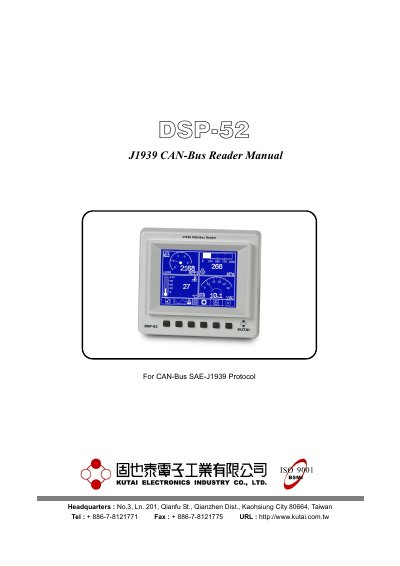
The DSP-52 CAN-Bus Reader is a device designed to interpret SAE-J1939 protocol data from vehicle ECUs and display it graphically on an LCD screen. It supports customizable display arrangements, curve graphics, and ADTC failure code recording. The device operates with a DC supply of 8~60 VDC and features IP67 water resistance. It can be remotely accessed via an RS-485 port. The manual covers hardware, function descriptions, and parameter settings for the device.
The device supports 16 graphical gauges, 8 curve graphics records, and can display parameters such as engine speed, coolant temperature, and fuel level. It includes a customizable startup screen and allows users to adjust settings like speed units, language, and gauge layout. The manual also includes appendices on J1939 network topology and SPN item tables for diagnostic reference.
| DC Supply | 8~60 VDC |
|---|
The maximum number of nodes (ECUs) is 10 in a 40-meter network.
The default language is English.
The default RS-485 slave address is 6.
The default maximum engine speed is 8000 RPM.