
KCU-31 Ethernet Remote Communication Module is designed for use with specifically KUTAI ATS and Generator Controllers (Ex.BTB Type ATS, GCU-4K…etc). Download the free app for PC, tablet, or smartphone to monitor, control, and configure the controllers remotely. Controllers’ system parameters can be setup directly in KCU-40 software (Refer to KCU Communication Software Installation Manual) for easy configuration. User can send all system parameters through Kutai GenOnCall® Remote APP which is exclusively developed for remote operation. No need to perform functional operations through the buttons on the control panel, saving time and efficiency.
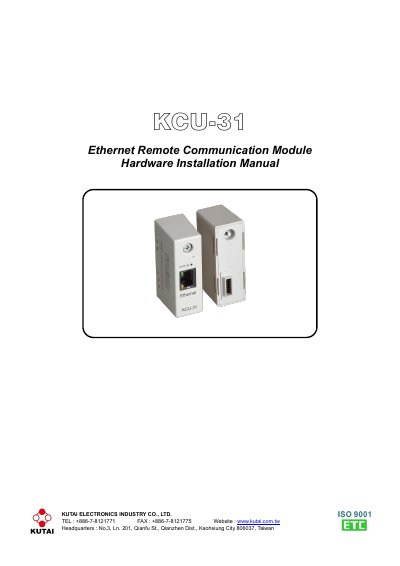
This manual provides step-by-step instructions for installing the KCU-31 Ethernet Remote Communication Module on compatible KUTAI ATS and generator controllers. It covers installation procedures, Ethernet connectivity setup, and status indicator meanings. The module supports dynamic IP connections and remote monitoring/control via the GenOnCall® Remote APP. Installation requires disconnecting power, mounting the module, and enabling remote control settings in the controller’s system configuration.
The KCU-31 features plug-and-play connectivity, encryption for data transmission, and automatic firmware updates. It includes status LEDs to indicate communication status and network connectivity. Troubleshooting guidance is provided for common issues such as non-responsive LEDs or failed connections.
| Power Input | 5 Vdc |
|---|---|
| Operation Temperature | -20 to +70 ˚C |
| Weight | 31 g +/- 2% |
| Ethernet Standard | 10/100Base-T |
It is designed for use with KUTAI ATS and Generator Controllers for remote monitoring and control via Ethernet.
Disconnect power, mount the module on an expansion slot or Interface Module (KCU-IF), tighten the screw, connect power, and enable remote control in the controller’s system settings.