
This document introduces the user manual of Kobe University's course registration system URIBO-NET
This manual explains how to register and manage courses through the URIBO-NET system. Users must register contact information and confirm their schedule before finalizing registration. It covers steps for adding, deleting, and downloading class lists, including handling special cases like intensive courses or classes requiring permission. The system requires Adobe Reader to view downloaded PDFs, and users must submit a physical list to their faculty for final approval.
The manual includes warnings about system limitations, such as inability to delete certain pre-assigned classes, and emphasizes the importance of submitting a printed list to avoid data loss in case of system failure. This manual is written in Japanese.
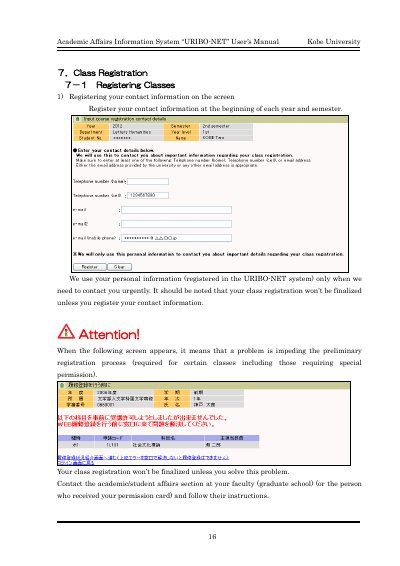
Your class registration won’t be finalized unless you register your contact information.
Click 'Download PDF' on the class registration page, then open or save it using Adobe® Reader.