
Kobe University URIBO-NET Academic Affairs Information System User Manual

This is a manual of a software system. It explains how to use the system.

Kobe University URIBO-NET Academic Affairs Information System User Manual - cover page
Brand
Kobe University
Category
Other software
Document type
User Manual
Language
English
Pages
4
File format
PDF
File size
379 KB
Published
19 October, 2023
Updated
19 October, 2023
MD5 checksum
401729B7A283BA7D322533CD1EE3ED7E

About this manual

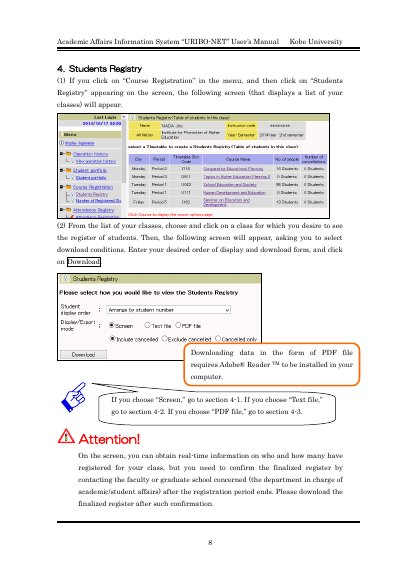
This document serves as the user manual for the Academic Affairs Information System known as URIBO-NET at Kobe University. It provides instructions for accessing and managing student registration data.

What's inside

  • Students Registry
  • Download Conditions
  • Viewing on Screen
  • Downloading Text File
  • Downloading PDF File
  • Excel Editing
  • Adobe Reader Requirements

Frequently asked questions

What formats are available for downloading student registers?

The system supports downloading registers in three formats: Screen, Text file, and PDF file.

Is Adobe Reader required to view PDF registers?

Yes, viewing a PDF file requires Adobe® Reader TM to be installed in your computer.

Can the downloaded text file be edited?

Yes, the downloaded register can be saved and edited on Excel.

Download PDF (379 KB)

More Kobe University Manuals


View all Kobe University manuals →