
This document describes how to install PaperCut Konica Minolta Standard UI Embedded, including version compatibility, overview, installation, upgrade, post-install testing and configuration.
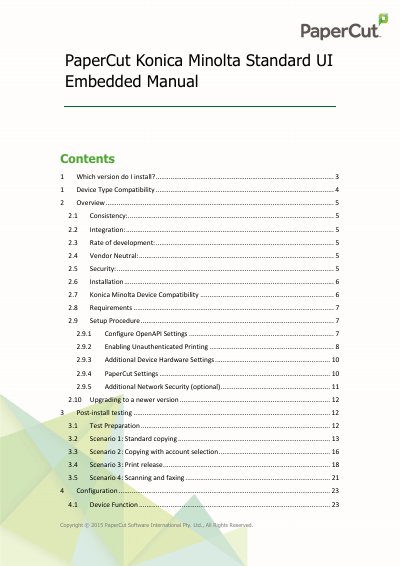
This manual provides instructions for installing and configuring the PaperCut Standard UI embedded software solution on compatible Konica Minolta multi-function devices (MFDs). It covers version selection, device compatibility requirements, and the specific setup procedures needed to integrate the software with the device's OpenAPI functionality.
| Minimum OpenAPI Version | 2.3.1 or higher |
|---|---|
| Recommended OpenAPI Version | 3.1 or later |
| Required Hardware | Hard drive installed |
| Server Ports | 9191 and 9192 |
| Device Port | 50003 |
The device must support OpenAPI version 2.3.1 or later.
Bizhub C203, C253, C353, C451, C550, and C650 require additional memory.
The default password is usually 12345678, though some newer devices use 1234567812345678.