
This document provides an overview of how to integrate PaperCut MF with Kyocera printers, including installation, configuration, and testing.
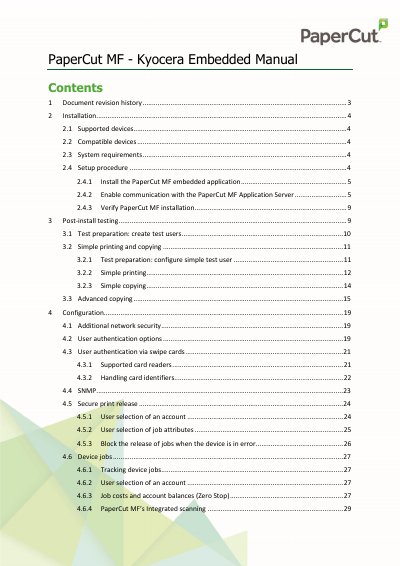
This manual provides step-by-step instructions for installing and configuring PaperCut MF — Kyocera (HyPAS) on supported Kyocera devices. It covers system requirements, device compatibility, installation procedures, post-installation testing, user authentication, secure print release, and troubleshooting common errors. The guide also includes known limitations and instructions for uninstalling the software.
The system requires physical device access, device web interface access, PaperCut MF Admin web interface access, and the latest version of PaperCut MF (18.3.0 or above) running on the network.
Supported devices must be HyPAS-enabled, have large panels (7 inches or larger), manually formatted HDDs, and if ECOSYS/FS devices, must have a Compact Flash or SD card installed.
Ports 9191 (TCP/HTTP), 9192 (SSL/TLS/HTTPS), and 9193 (Binary) must be open for inbound connections.