
This manual describes how to install and configure PaperCut MF on Kyocera MFDs. It covers the installation process, configuration options, and troubleshooting.
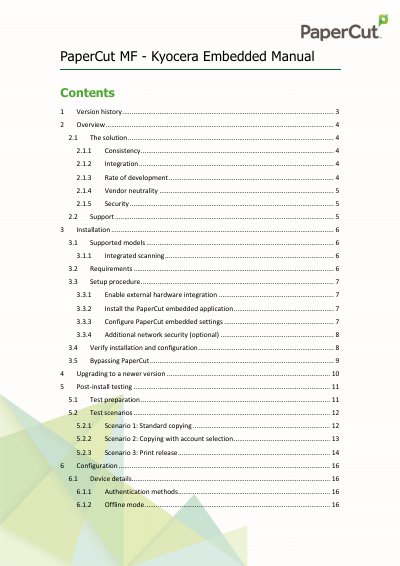
This guide explains how to install PaperCut’s embedded application on compatible Kyocera Multi-Function Devices (MFDs). It covers enabling external hardware integration, installing the application via USB, configuring server settings, and verifying the setup. The solution allows users to authenticate, monitor usage, and release print jobs securely. It supports integrated scanning on large-panel devices with API 2.1.1-subset or later.
The guide also includes optional network security steps to restrict device access to approved IP addresses and troubleshooting tips for common issues like SSL certificate errors or device connectivity problems.
The IP address can be found in the PaperCut MF admin interface or by checking the server’s network configuration.
Ensure the server’s certificate SHA-1 fingerprint matches and accept it during connection.
Yes, the system supports large-scale account management for clients.