
PaperCut Toshiba Embedded Manual describes how to configure PaperCut software on Toshiba MFP devices.
This document serves as a comprehensive guide for setting up PaperCut Software International's embedded solutions on compatible Toshiba eBX and eB3 series MFDs. It details how to integrate print control with copier functionality, ensuring users have a consistent interface across workstations and devices.
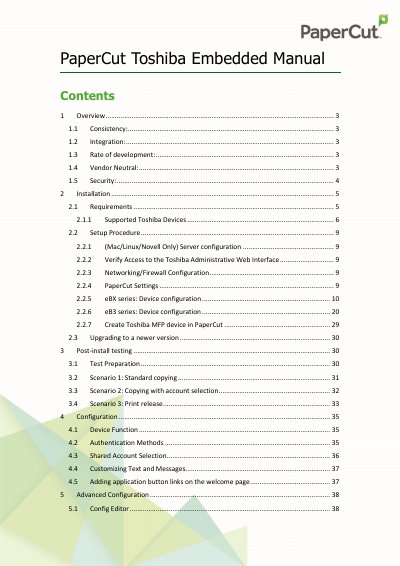
The manual provides step-by-step instructions for installation requirements, server configuration (including Mac/Linux/Novell), networking setup, and device-specific configurations. It also covers post-installation testing scenarios, advanced customization of the user interface, authentication methods, and procedures for uninstalling the software.
| Supported Device Series | eBX and eB3 series |
|---|---|
| Inbound Port (TCP) | 10389, 9191 |
| Outbound Port (UDP) | 161 |
The default credentials are Admin/12345.
Apple Mac, Linux, and Novell servers require specific setup steps.