
PaperCut MF Konica Minolta i-Option Embedded Installation and Configuration Guide

This manual explains how to install and configure PaperCut MF on devices with a connected Konica Minolta i-Option.
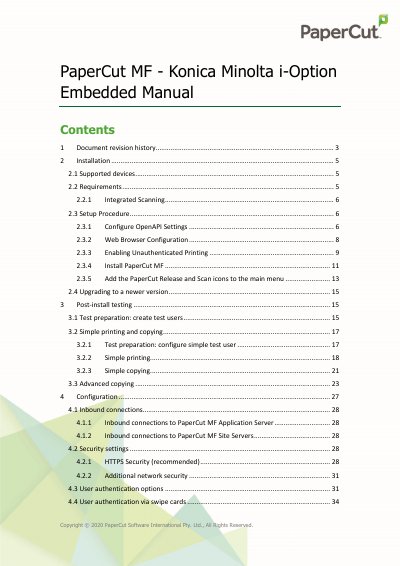

PaperCut MF Konica Minolta i-Option Embedded Installation and Configuration Guide - cover page
Brand
PaperCut
Document type
User Manual
Language
English
Pages
83
File format
PDF
File size
2.2 MB
Published
16 October, 2023
Updated
16 October, 2023
MD5 checksum
5A6A5BF0D362E227683B09064BE0BCE4

About this manual

The document provides instructions for installing the PaperCut MF embedded application on compatible Konica Minolta MFDs running OpenAPI 3.1 or later. It covers prerequisites such as network setup and firmware requirements, along with step-by-step procedures for configuring security settings like SSL/TLS and PKI certificates.

What's inside

  • Document revision history
  • Installation
  • Supported devices
  • Requirements
  • Setup Procedure
  • Configure OpenAPI Settings
  • Web Browser Configuration
  • Post-install testing
  • Configuration
  • Known Limitations

Specifications

Minimum OpenAPI VersionOpenAPI 3.1 or later
SSL Port for OpenAPI50003

Frequently asked questions

Does PaperCut MF support Konica Minolta devices running NetFront browser?

No, versions 18.2.0 and above do not support these specific devices.

What is required to enable Integrated Scanning?

The device firmware must support OpenAPI version 4.0 or higher.

Download PDF (2.2 MB)

More PaperCut Manuals


View all PaperCut manuals →