
This document describes how to use PaperCut software to manage Konica Minolta devices
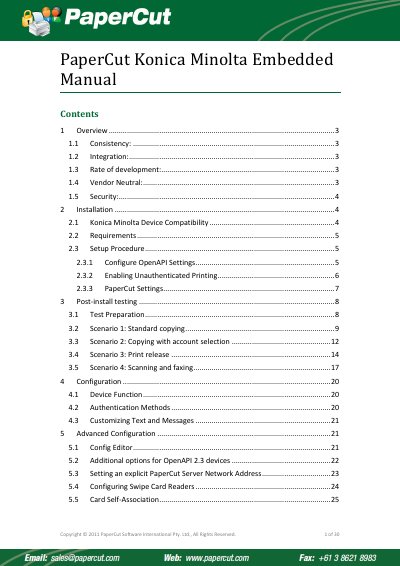
This document provides an overview of installing and configuring PaperCut's embedded MFD (Multi-Function Device) solutions on Konica Minolta devices. It details how to leverage smart device features like touch screens to provide users with rich application features, including secure access, authentication, and monitoring of copying, scanning, and faxing.
The guide outlines the specific requirements for compatibility, such as OpenAPI version 2.3.1 or higher, and provides step-by-step instructions for setting up PKI certificates and SSL settings on the device web interface. It also covers post-installation testing scenarios and advanced configuration options.
| Required OpenAPI Version | 2.3.1 or higher |
|---|---|
| Recommended OpenAPI Version | 3.1+ |
The default administrator's password usually is "12345678".
The firewall must allow the PaperCut server's access to port 50003 on the device.