
This manual provides installation, configuration, and troubleshooting instructions for the PaperCut MF embedded software on compatible Sharp multifunction…
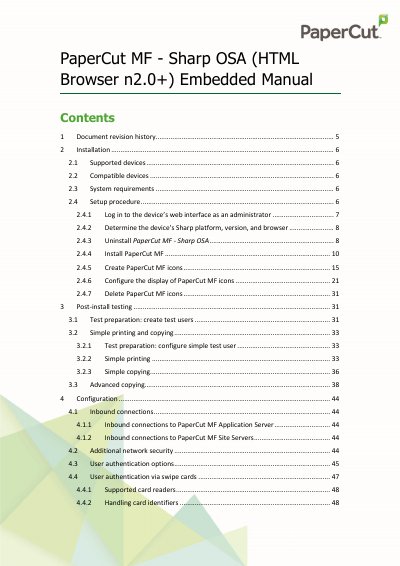
This document serves as the embedded manual for PaperCut MF software specifically designed for Sharp OSA (HTML Browser n2.0+) devices. It covers the entire lifecycle of the software integration, including system requirements, installation procedures, and post-installation testing.
| Minimum compatible PaperCut MF version | 18.3.6 or above |
|---|---|
| Required Sharp OSA firmware version | 5.1+ |
| Required browser type | HTML Browser n2.0+ |
| Required interface type | touch-screen interface |
| Inbound connection port (HTTP) | 9191 |
| Inbound connection port (HTTPS) | 9192 |
The device must run Sharp OSA 5.1+ firmware dated December 2018 or later, support HTML Browser n2.0+, and have a touch-screen interface.
The minimum compatible version is PaperCut MF 18.3.6 or above.
Log in to the device web interface, navigate to System Settings > Sharp OSA Settings > External Accounting Application Settings, select Disable, click Submit, and then Reboot Now.