
Jabra Link 850 is a multi-function phone adapter that connects to your desk phone, softphone (PC) and headset. It has multiple functions, including sending/receiving calls, adjusting volume, activating mute, switching speakers, and connecting headsets and call indicators.
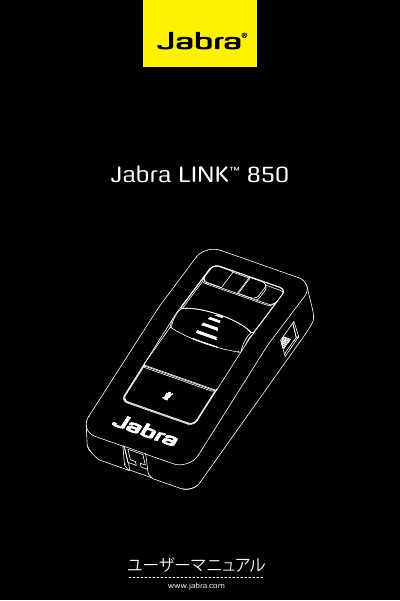
This manual explains how to connect the Jabra Link 850 to desk phones, PCs, and headsets. It includes instructions for adjusting audio settings, muting the microphone, switching between handset and headset, and mounting the device on a desk. Additional sections cover detailed settings like noise protection and voice clarity switches.
The guide also describes optional accessories and troubleshooting tips, with diagrams and step-by-step procedures for setup and configuration. This manual is written in Japanese.
Connect the USB cable to the Jabra LINK 850 and to an available USB port on the PC. The mute indicator will flash three times red to confirm connection.
The device is powered on when the mute indicator flashes red three times.
Tap the mute button on the Jabra Link 850 to mute the microphone.
The PeakStop feature automatically blocks sounds exceeding 118 db(a).