
The Jabra Evolve2 75 user manual explains setup, wearing, charging, LED indicators, connectivity, usage features, software updates and support.
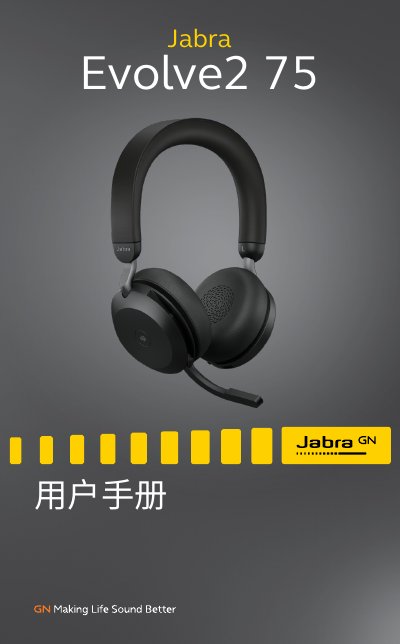
This manual provides a complete guide to the Jabra Evolve2 75 headset, covering everything from the included accessories to optional add‑ons. It introduces the headset’s design, how to adjust the headband, position the microphone boom, and properly store the device.
Key sections detail charging methods (desktop stand or USB‑C cable), LED indicator meanings, Bluetooth and USB‑C connection options, everyday usage controls, software integration with Jabra Sound+ and Jabra Direct, firmware updates, and troubleshooting with FAQs and care instructions. This manual is written in Chinese.
| Battery life | Up to 36 hours |
|---|---|
| Fast charge time | 15 minutes for ~6 hours of use |
| Full charge time | Approximately 2 h 40 min |
| Microphone array | 8‑microphone technology |
| Active Noise Cancellation | Jabra Advanced Active Noise Cancellation™ |
| Charging port | USB‑C |
| Ear cushion technology | Dual foam for comfort |
| Compatibility | Works with all major UC platforms |
| Microphone boom | Flexible hidden boom |
It takes about 2 hours 40 minutes to fully charge the battery.
The headset provides up to 36 hours of battery life on a full charge.
Use the Jabra Direct or Jabra Sound+ app to download and install firmware updates.