
Quick start guide for setting up and using the Jabra GN9330e wireless headset, covering charging, volume, dial tone, and call functions.
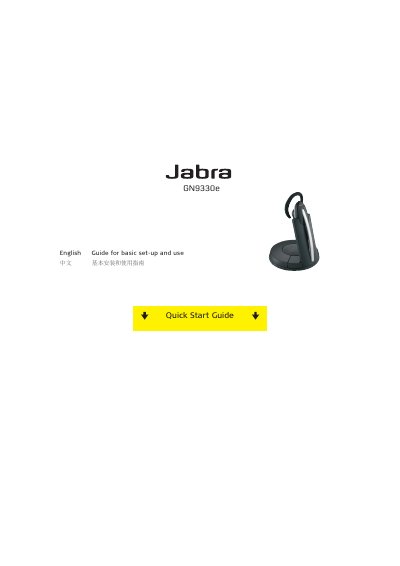
This guide provides basic setup instructions for the Jabra GN9330e wireless headset, including how to connect the handset cord, plug in the power adapter, and charge the headset in its base. It explains the battery indicator diodes that show charge level and the minimum 30‑minute charge before first use, with a full charge taking about three hours.
The document also details audio optimization steps such as clear dial‑tone adjustment, microphone and speaker volume settings, and how to make, answer, and end calls. It describes the mute function, its activation via the volume control switch, and the associated indicator lights and tone. Additional information and technical specifications are available on Jabra’s support website.
| Full charge time | 3 hours |
|---|---|
| Minimum initial charge | 30 minutes |
| Battery indicator | Number of lit diodes shows charge level |
Charge the headset for at least 30 minutes before use; a full charge takes about three hours.