
The Jabra Drive user manual explains features, button operation, indicator lights, setup, charging, pairing, extra functions and troubleshooting for the car…
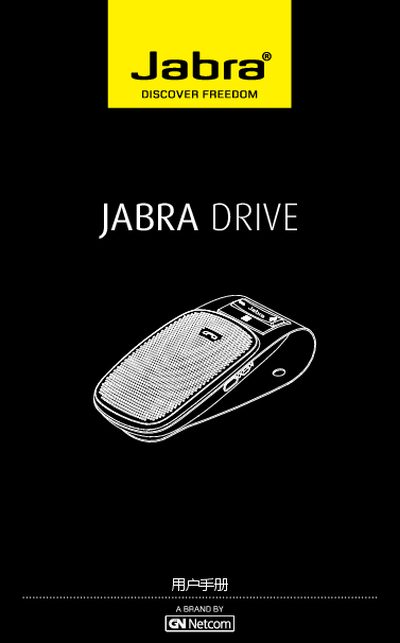
The Jabra Drive is a car‑mounted Bluetooth speaker that lets you make and receive calls, play music and use GPS prompts while driving. This manual provides step‑by‑step instructions for getting the device ready and using its functions safely.
Key sections cover the speaker’s features, button functions, indicator meanings, initial charging, power on/off, pairing with one or two phones, mounting in the vehicle, additional capabilities such as multi‑device use, and a troubleshooting/FAQ guide. This manual is written in Chinese.
| Talk time | up to 20 hours |
|---|---|
| Standby time | up to 30 days |
| Charging time | approximately 2.5 hours |
| Dimensions | 104 mm × 56 mm × 18 mm (H × W × D) |
| Bluetooth range | up to 10 m (≈33 ft) |
| Supported Bluetooth modes | HFP, HSP, A2DP |
| Bluetooth version | Bluetooth 3.0 |
| e‑SCO technology | enabled for improved audio quality |
| Rechargeable battery | charges via car charger or USB cable |
Connect the speaker to a car charger with the supplied USB cable; the indicator lights red while charging and turns green when fully charged.
The speaker works reliably up to about 10 meters (33 feet) and should not be blocked by large objects.