
This document is a manual for Jabra PanaCast camera, which introduces the features and installation method of the camera.
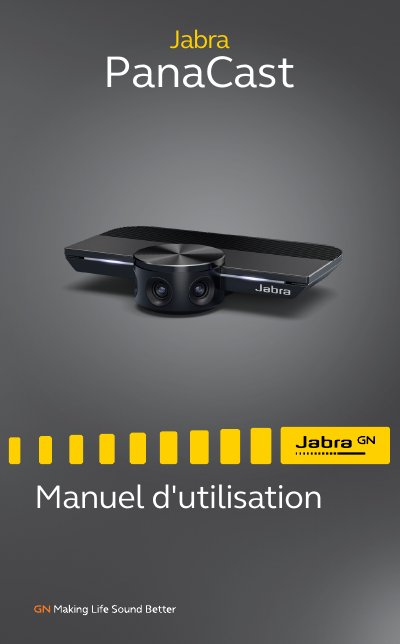
The Jabra PanaCast VSU010 is a panoramic 4K video conferencing camera featuring three 13-megapixel cameras and patented real-time image stitching for a 180-degree field of view. It includes intelligent zoom technology and HDR for clear video in various lighting conditions. The device is designed for inclusive meetings and works with major video conferencing platforms like Microsoft Teams, Zoom, and Cisco Webex. This manual is written in French.
| Field of View | 180° |
|---|---|
| Camera Resolution | 13 megapixels |
| Video Quality | 4K |
| Microphone Range | 2.5 meters |
| Operating Temperature | 0 °C to 40 °C |
The default field of view is set to 180°.
Yes, it can be mounted on a wall using an optional wall mount bracket.
No, it does not require external power when connected to a USB 3.0 port.