
Harris CS7000 Control Station Installation Manual

This manual provides detailed installation instructions for the CS7000 Control Station Local-Control Desktop and Remote-Control Desktop.
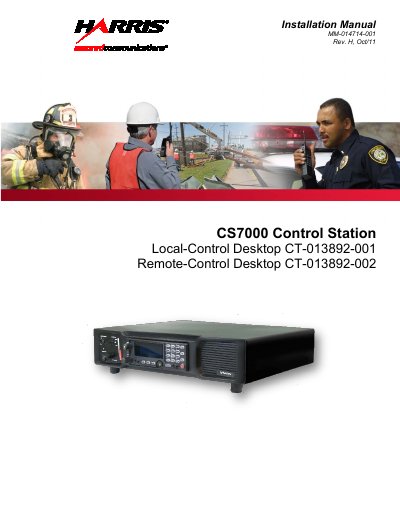

Harris CS7000 Control Station Installation Manual - cover page
Brand
Harris
Category
Industrial Robot
Document type
Installation Guide
Language
English
Pages
137
File format
PDF
File size
4.4 MB
Published
19 October, 2023
Updated
19 October, 2023
MD5 checksum
9E6913D95898476A3920A6FDF6391C78

About this manual

This manual provides installation instructions for the Harris CS7000 Control Station, specifically the Local-Control Desktop (CT-013892-001) and Remote-Control Desktop (CT-013892-002). It details the unpacking, planning, and physical installation of the equipment, including AC power connections and antenna installation.

What's inside

  • Regulatory and Safety Information
  • Specifications
  • Unpacking and Checking Equipment
  • CS7000 Installation
  • Antenna Installation
  • Grounding and Lightning Protection
  • Connecting VoIP Desktop Remote Controllers
  • Connecting Tone Remote Controllers
  • Power-Up Procedure
  • Local Control Configuration

Frequently asked questions

What is the maximum permissible exposure limit radius for the CS7000?

The manual states that the maximum permissible exposure limit radius is 1.5 meters.

What tools are required to install the CS7000 Control Station?

The installation requires a Phillips screwdriver and a 1/4-inch hex key.

What is the factory default IP address for the CS7000 Control Station?

The factory default network parameter setting is 192.168.1.100.

Download PDF (4.4 MB)

More Harris Manuals


View all Harris manuals →