
GlobalSat DG-388 User Manual, introduces the product's features, usage methods and precautions
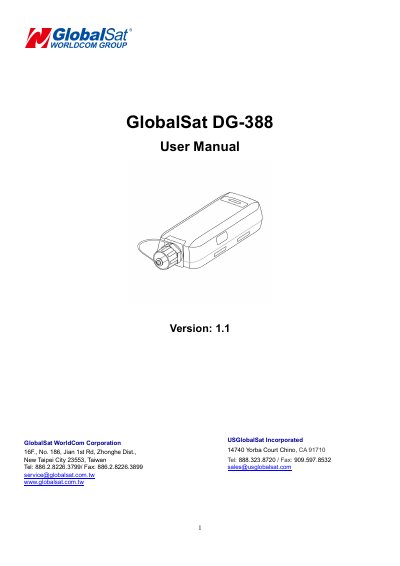
The GlobalSat DG-388 is a compact, water-proof personal data logger designed to accurately record tracking data from GPS signals. It records time, date, traveling speed, altitude, and GPS location at preset intervals. The device features audible and motion sensors for power saving and allows users to tag points of interest with a single button press.
| Data Logging Interval (Time) | 1 / 5 / 10 Sec |
|---|---|
| Data Logging Interval (Distance) | 25~10k meters |
| Max Speed Limit | 300 km/h |
| Low Speed Limit | 1~300 km/h |
| Charging Time | at least 3 hours |
| Storage Capacity | Full when data is full |
Short press the power button until the device has a short beep sound with short vibration.
Press and hold the power button for over 10 seconds.
It indicates that the stored data is full or the temperature is over 45℃ or below 0℃ during charging.
No, you should not attempt to repair the device yourself and should contact GlobalSat or US GlobalSat for Technical Support.