
GTV-580 Quick Start Guide
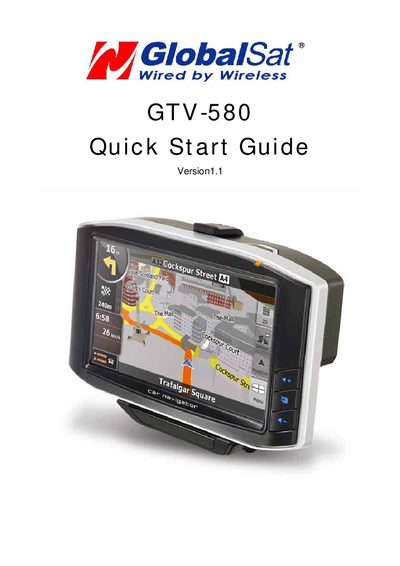
This guide lists all accessories that come with the GTV-580, describes the front, side, top, bottom and rear views, and explains the function of each button, LED indicator and connector. It also covers how to attach the device to a windshield cradle, charge the battery, and install an SD card with navigation software and map data.
The document provides step‑by‑step instructions for powering on the unit, using the DVB‑T module, connecting external antennas, and navigating the main screen to start navigation, TV, Bluetooth hands‑free, music and photo functions. This manual is written in Chinese.
| Power LED status | Red when battery <40 %, Amber while charging, Green when fully charged |
|---|---|
| External antenna connector type | MMCX‑type connector for optional external antenna |
| SD card slot usage | Stores navigation software, map data and other media files |
Press the Power button for more than 2 seconds to turn the device on; press it again to turn it off (standby mode).
From the main screen, tap the Navigation icon to launch the navigation application.