
GV-560 is a navigation device with LED indicator to display battery status and charging status. It has functions such as menu button, power button, volume adjustment, SD card slot, reset button, earphone jack, etc. It supports data transfer and charging via USB interface when connected to a computer. It can also be connected to an external GPS antenna.
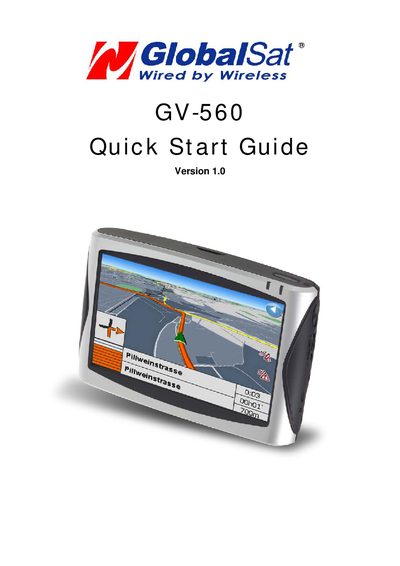
The GV-560 is a portable GPS navigation unit with a color LCD, SD‑card slot, mini‑USB port, earphone jack, and optional external antenna. It includes a power switch, menu and volume controls, and status indicators that show charging and battery level.
The guide walks you through connecting the AC adapter or other charger, installing navigation software onto an SD card, mounting the unit on a windshield using the supplied cradle, and using the navigation and media functions. It also notes battery‑level indicators, charging options, and tips for optimal GPS signal reception.