
GV-388 is a car navigation host with accessories such as a frame, car charger, and travel charger. The host has features such as a power button, menu button, SD card slot, antenna, and headphone jack, and can be connected to a computer via USB for data transfer and charging. Download the program software to the memory card using a card reader and fix GV-388 on the frame. GV-388 can be charged using a travel charger, car charger, or USB cable.
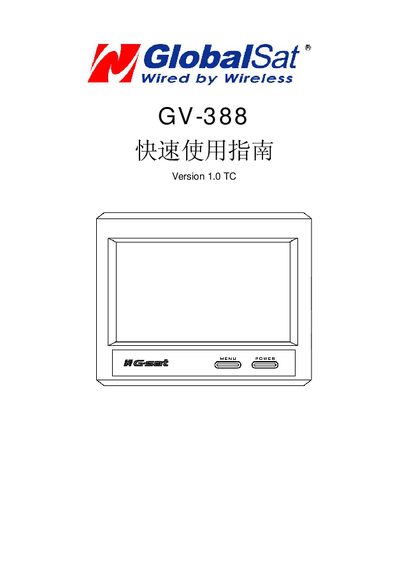
The GV-388 is a handheld GPS receiver that uses an SD card for map and program storage and can be powered via Mini‑USB or an external battery. The manual outlines the accessories supplied, the meaning of LED indicators, and how to connect headphones and external antennas.
Key sections cover installing the SD card and loading data, mounting the unit on a vehicle or tripod, charging the battery, navigating the on‑screen menus, and safety cautions for temperature and humidity exposure. This manual is written in Japanese.
| Power input | Mini‑USB or external battery |
|---|---|
| LED indicator colors | Red = low battery (<25 %), Orange = charging, No light = fully charged |
A red LED indicates the battery is low (below about 25 %). An orange LED shows the battery is charging. No LED light means the battery is fully charged.