
This is a quick start guide for GV-590. It introduces the features and usage of the product
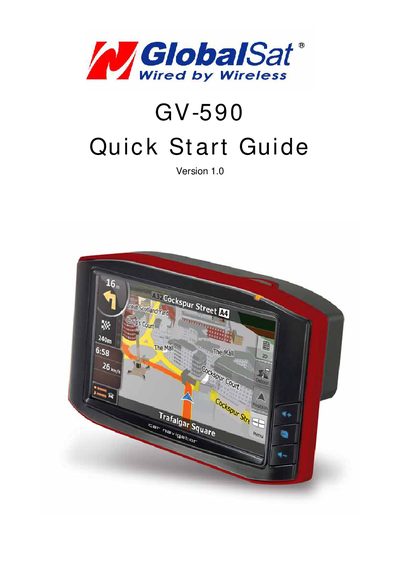
The guide lists the GV-590 accessories, including the main unit, USB cable, DC charger, AC adapter cradle, and optional SD card. It explains the front, side, top, bottom and rear views, describing the power LED colors, volume buttons, menu button, microphone, external antenna connector, speaker, and battery slide switch.
Instructions cover powering on the device, connecting the AC adapter for charging, loading navigation software onto an SD card via a PC, mounting the unit on a windshield with the cradle and suction cup, and navigating the main screen icons for navigation, hands‑free, media, and settings.